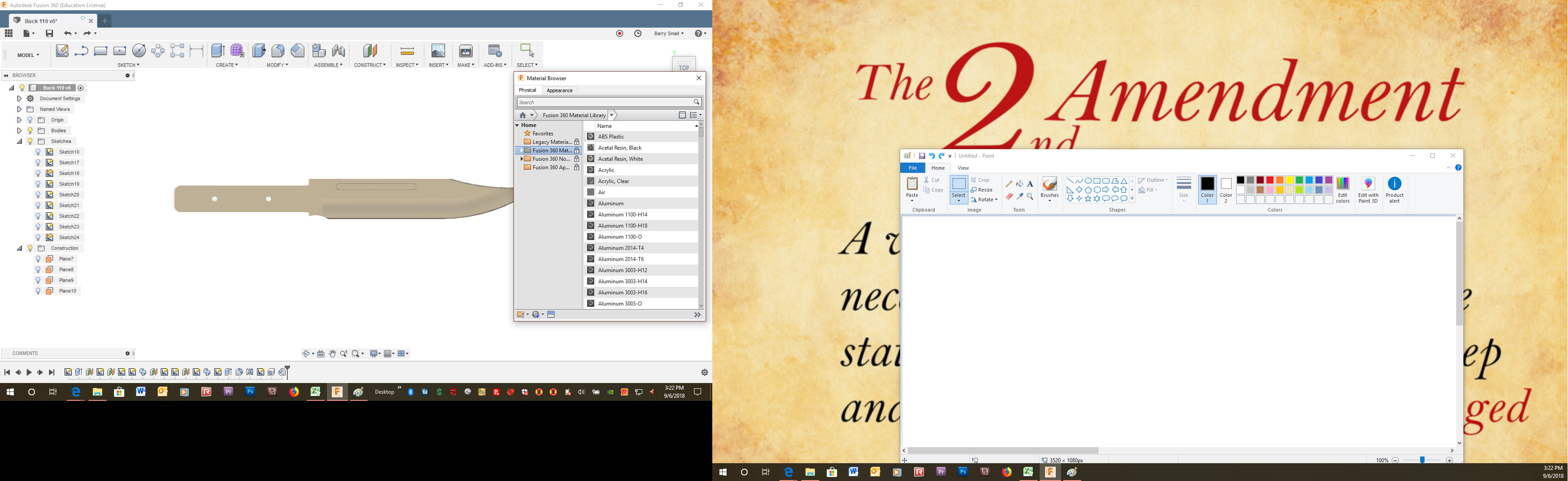
I don’t know if I messed something up (very possible) or if something changed here. I forgot to set a material for a project at the beginning. When I went to make the change I found that the materials library looks totally different and the whole thing is locked out. I’m sure there is a simple reason and/or fix but I can’t figure it out. This is the first time I’ve had a problem with it.
1 Like
@DanielLyall @MikeJones86 @SeanIsle Do you know how to fix this?
Hopefully someone can chime in on this I haven’t came across being locked on material. I know one of these guys that have used Autodesk longer will help I’m sure.
1 Like
Modify - Appearance then select your object material it is on the A shortcut key as well.
1 Like