Hi everyone!
I just wanted to post some basic equations and, that i believe once understood will help with the some of the basic inputs on Fusion.
Spindle Speed from Surface speed (SFM) - (12SFM)/3.1416DIA. of tool) = 3.82*SFM/DIA
Feed Rate Milling (table feed in inches) - Feed rate(InchPerMin)= Feed per tooth * Number of teeth * RPM
( Teeth are flutes or number of inserts, .)
Feed Per Revolution - IPM / RPM (not usually used in milling applications)
Examples:
Tool: 1/2 inch Carbide endmill 3 flute Material: Alum. 6061
Suggestions: 1000SFM and .010 inch per tooth chip load.
SFM=1000
Feed per tooth = .010
DIA= .5
teeth 3
Spindle Speed - (3.82*1000) / .5 = 3820/.5 = 7640 RPM
Feed rate IPM- .010 * 3 * 7640 = 229. IPM
Notice how each is very dependent on the other.
So you can see these values are suggestions to start with usually.
If i missed something let me know, hope this helps a bit.
5 Likes
While these basic equations are very important to know (thanks for posting Marcus), it has been my experience that many CAD/CAM rookies are still left wondering what is a reasonable depth of cut (DOC) , width of cut (WOC), chip load per tooth, and SFM for any given mat’l, tool diameter, etc.
Two important criteria these basic equation do not cover are tool length ( how far the tool hangs out from the holder), and fixture and/or machine rigidity.
There are a gazillion sources of recommended SFM for mat’ls, as well as suggested chip loads, DOC & WOC. But most do not factor in tool length or rigidity.
To help beginning machinists & programmers in our shop, we use CNC Cookbook’s G-Wizard feed & speed software. This is a very inexpensive cloud-based subscription software yet is one of the most powerful speed & feed calculators on the market. Plus despite being powerful it still remains easy for a novice to input cutting data and compare results with recommended data. G-Wizard includes tool length, rididity, desired finish, provides SFM input, displays tool deflection values, etc… all things a programmer will need to balance cutting efficiency with tool life.
I’m not connected with G-Wizard, other than being a very satisfied long-time user. And I’ve tried many other F&S calculators, apps, etc …but nothing compares to GW. If one is a beginning CAD/CAM jockey or machinist, (or even a very experienced professional), do yourself a huge favor and take a free 30-day test drive of G-Wizard’s Feed & Speed Calculator.
Thanks again for posting the basic equations.
(edit for spelling)
2 Likes
I’ve had some good success with this free machinist proadvisor from helical tool. Granted it is just a starting point. And it is using their part numbers for tools. But it’s rather easy to select a tool from there catalog and use it for reference.
1 Like
I think you are right !
in my job i usually must “center” the first piece , because one is the requested quantity and there isn’t another stock.
G-wizard expecially helps with high stick-out mills, avoiding chatter .
IT is simple to use also FSwizard.

2 Likes
Many years ago, right after inserted carbide cutters were readily available and cemented tooling was slowly disappearing, we used slide or rotary calculators to determine RPM and feed rates. I found these two in my collection of useless nor longer used junk. As machinists we all had a slide calculator 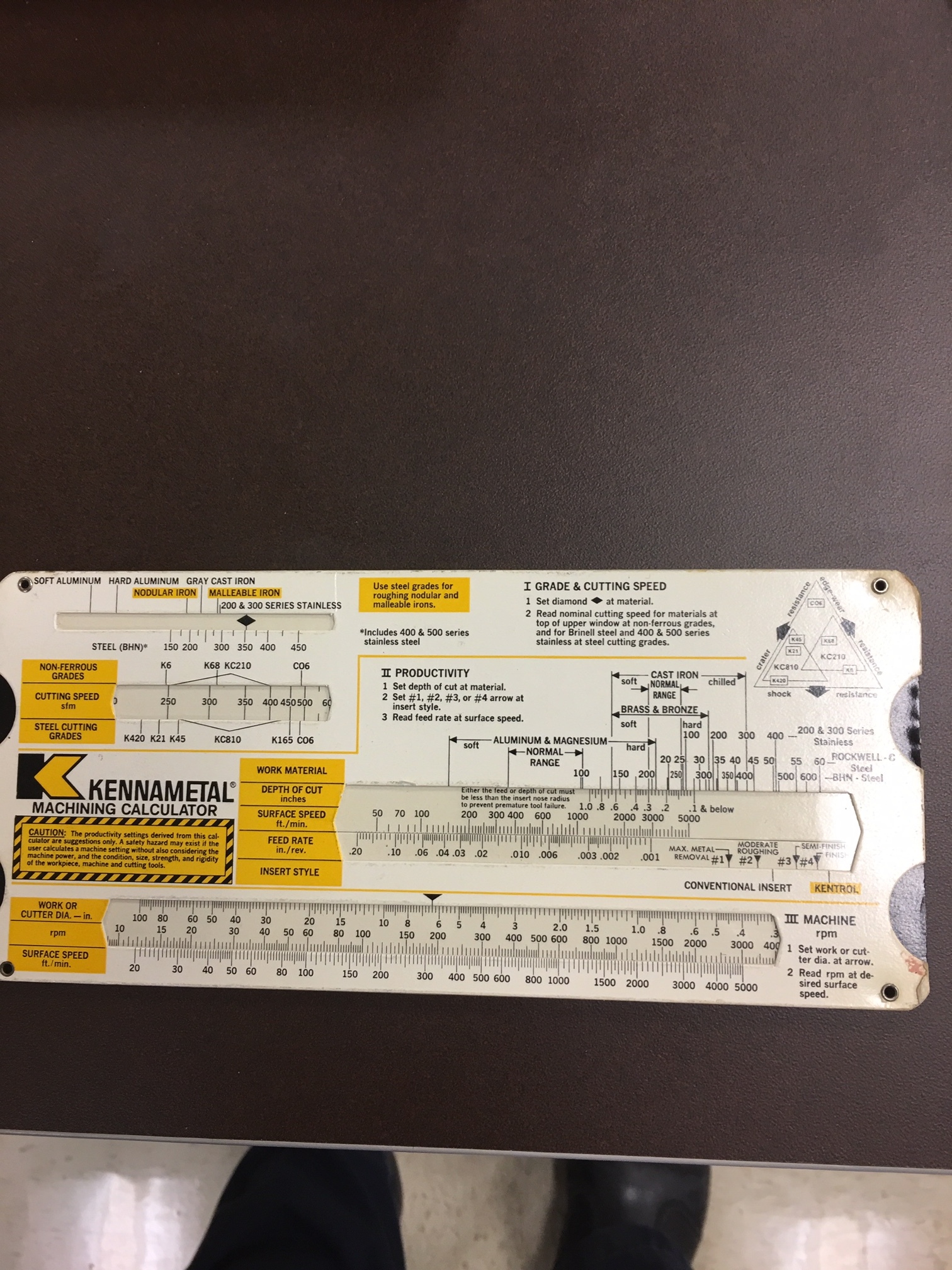 in our toolbox,
but our programmer/estimator had the rotary calculator to determine quoted price per unit.
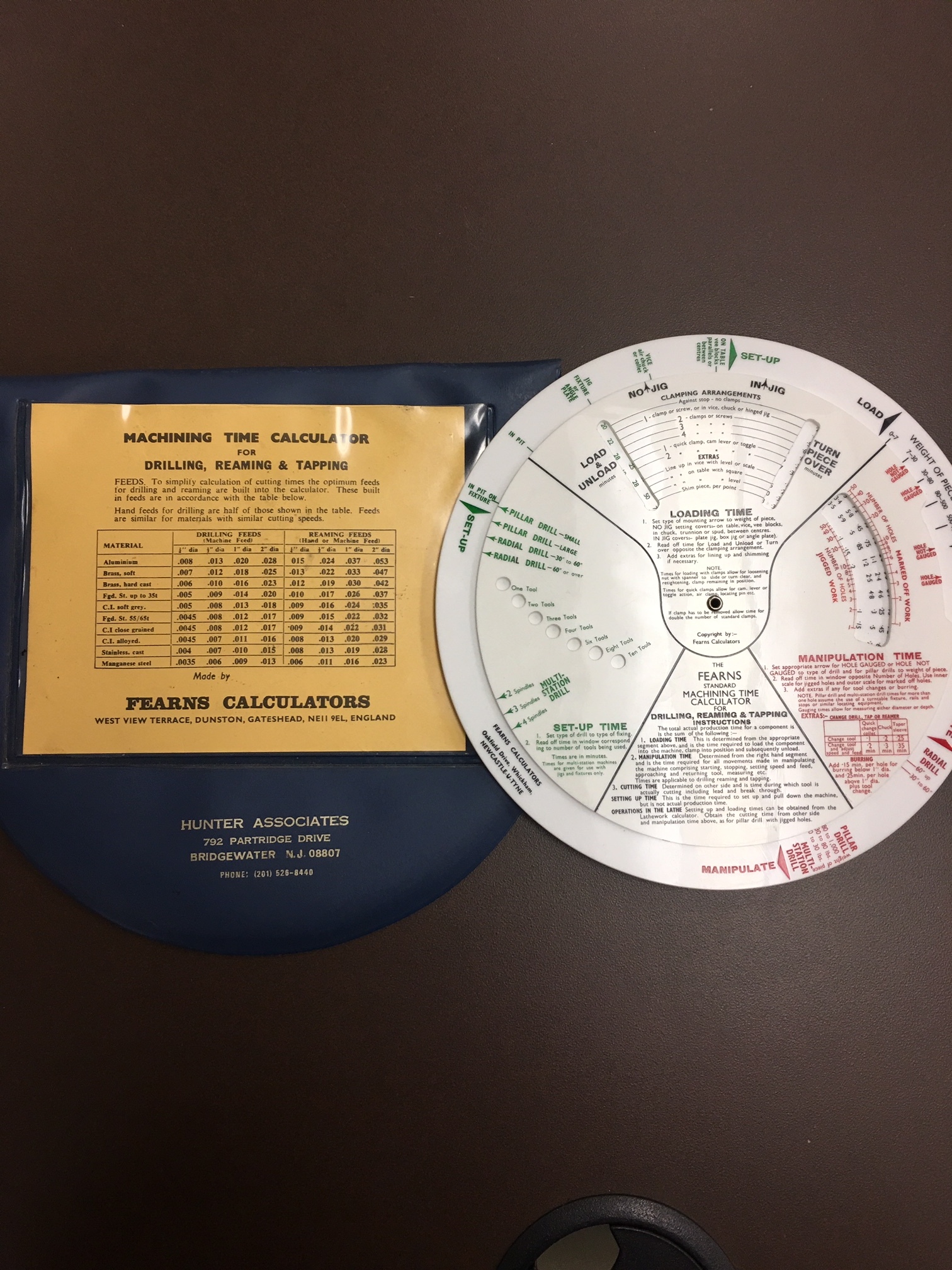
2 Likes
 in our toolbox,