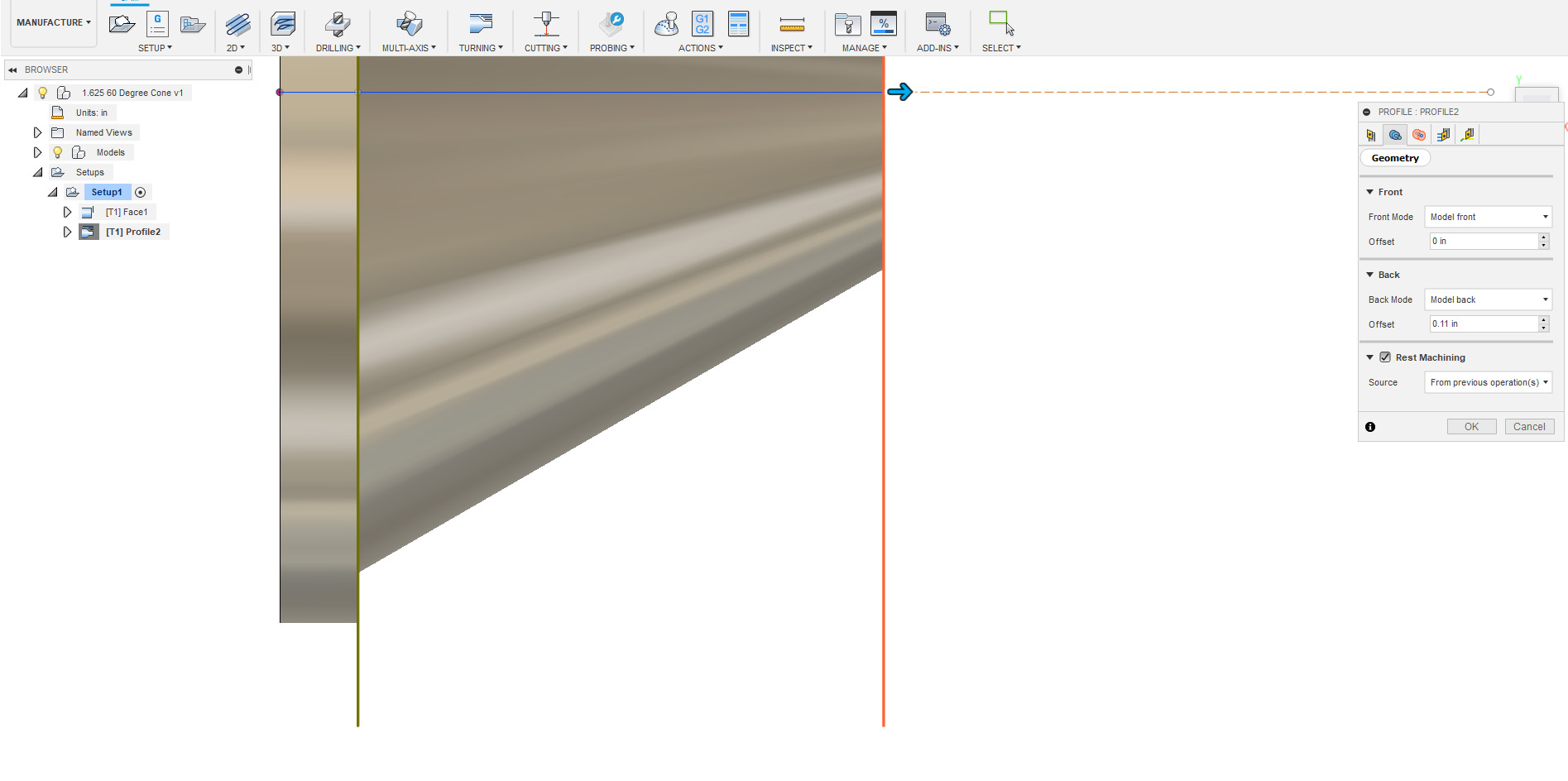
I’m having some issues with a turning profile on a part I’m working on. I’ve set the geometry boundary & radii up so in theory, the turning tool won’t go past a certain point, which is where I have the part chucked up in a set of soft jaws. For the life of me, I can’t get it to travel up the face of the last step without trying to turn the part that will be clamped in the chuck. No matter what I do, it tries to run the cutter down that edge. I’ve posted some pics to show what is going on. Anyone know what I’m missing? I’ve fiddled with it for almost an hour, nothing gets rid of it unless I change the radii diameter so small, that it doesn’t face the part completely.
Thanks in advance…