In the 87L programming video, Tyson misses the chamfers for the grooves. Here is my solution:
- Duplicate the Finish Profie.
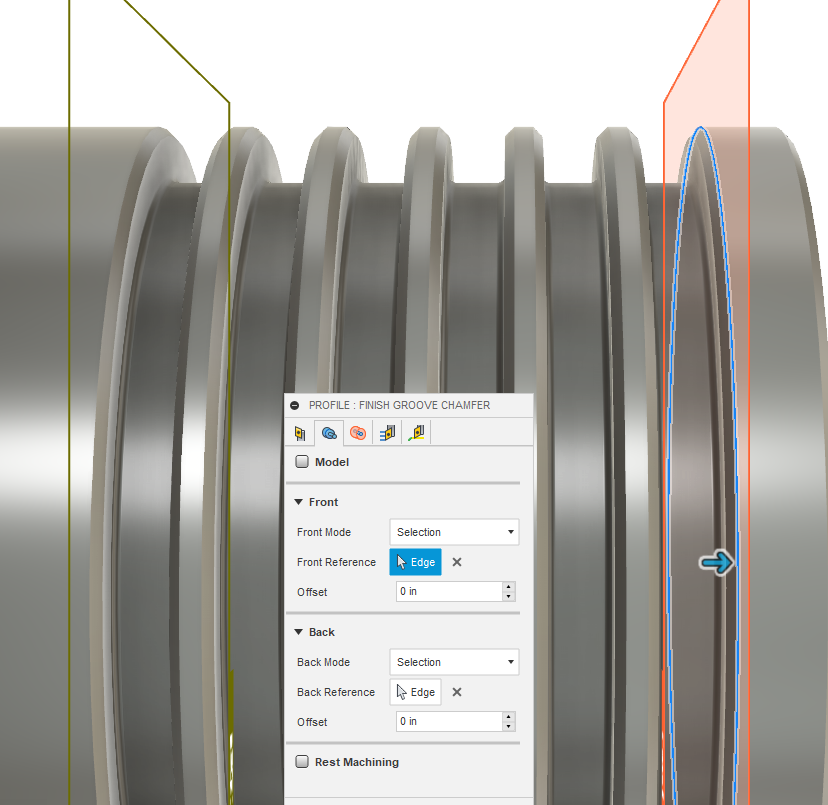
2 Edit the Finish Profile and change the geometry so your Front Mode is Selection. Choose the Top of the First Chamfer and use 0 offset. - Choose Back Mode and Selection. Select the Top of the Last Chamfer and use 0 offset.
- Everything else remains the same if I remember correctly.
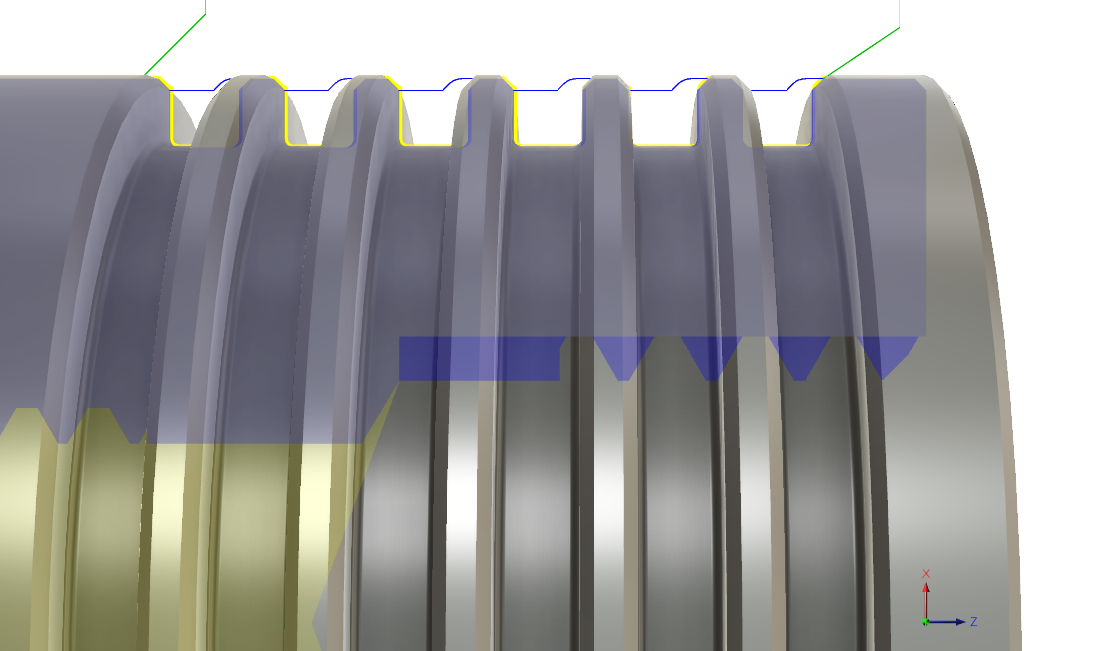
- Your Tool Path should look like this:
The only other thing I don’t see Tyson do is create chamfers for the threads.
Brian