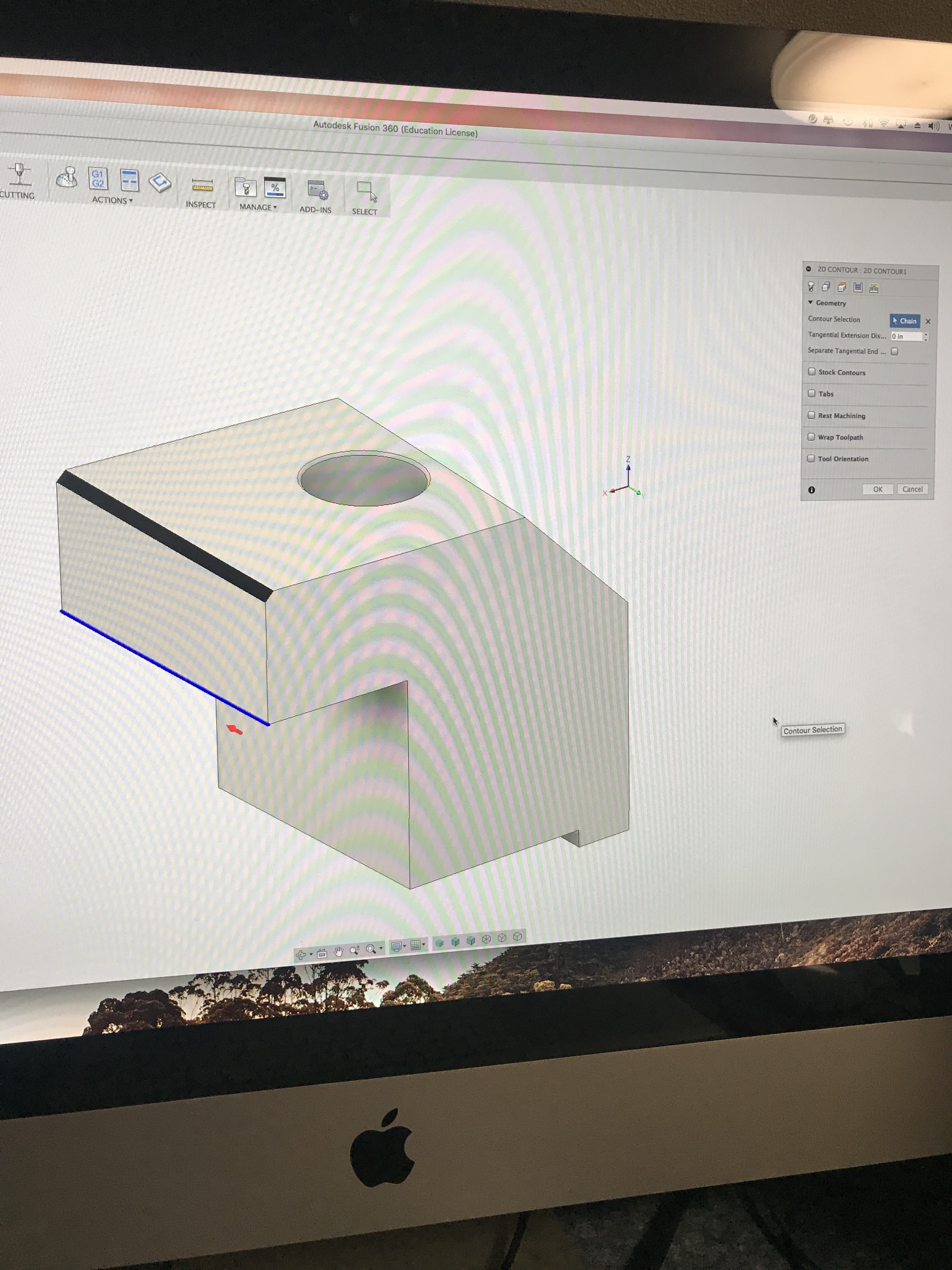
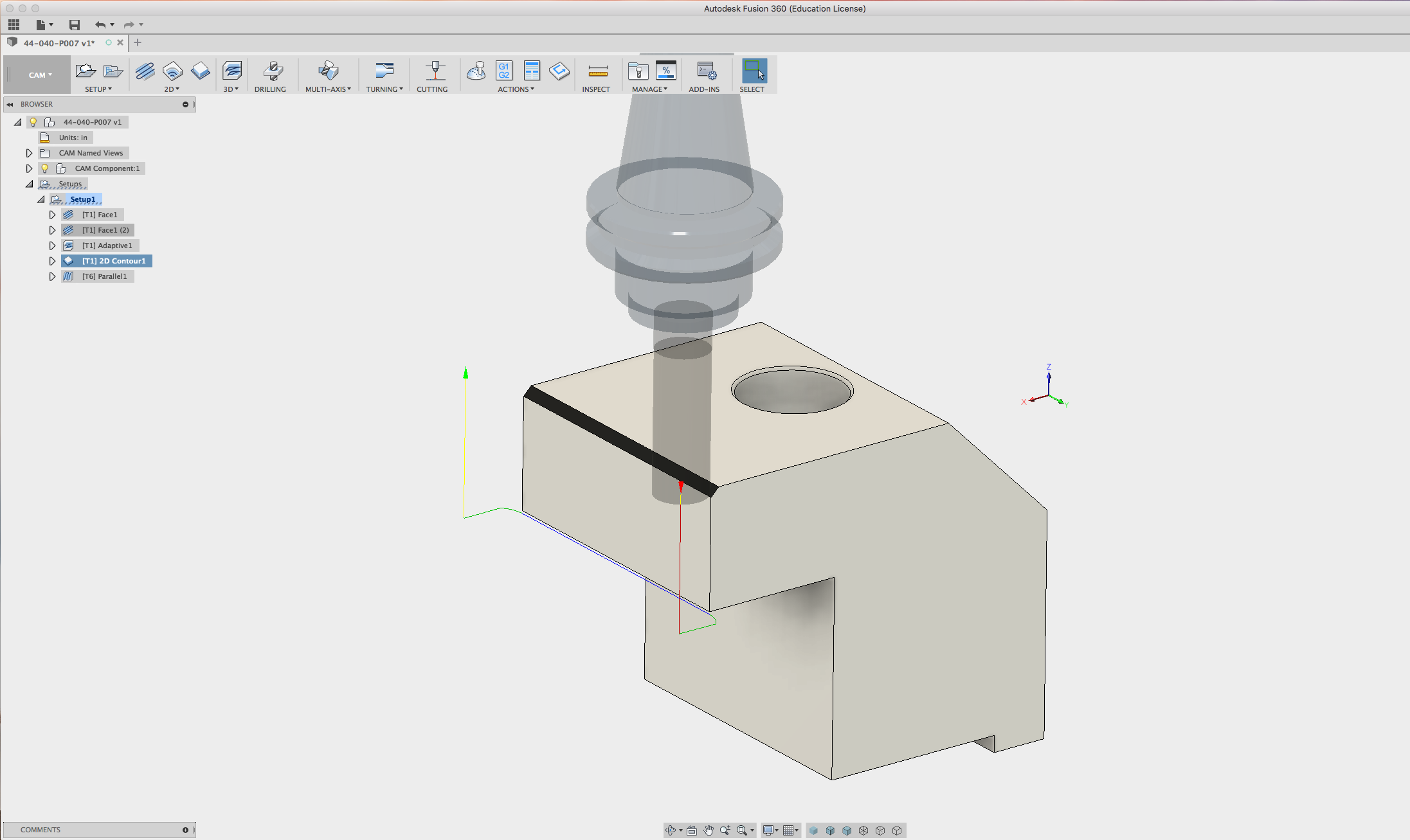
I am having an issue with getting this part to only cut the end.
I clicked on the selected Chain and it will not let go of the two lines in the X axis.
I am using 2d contour.
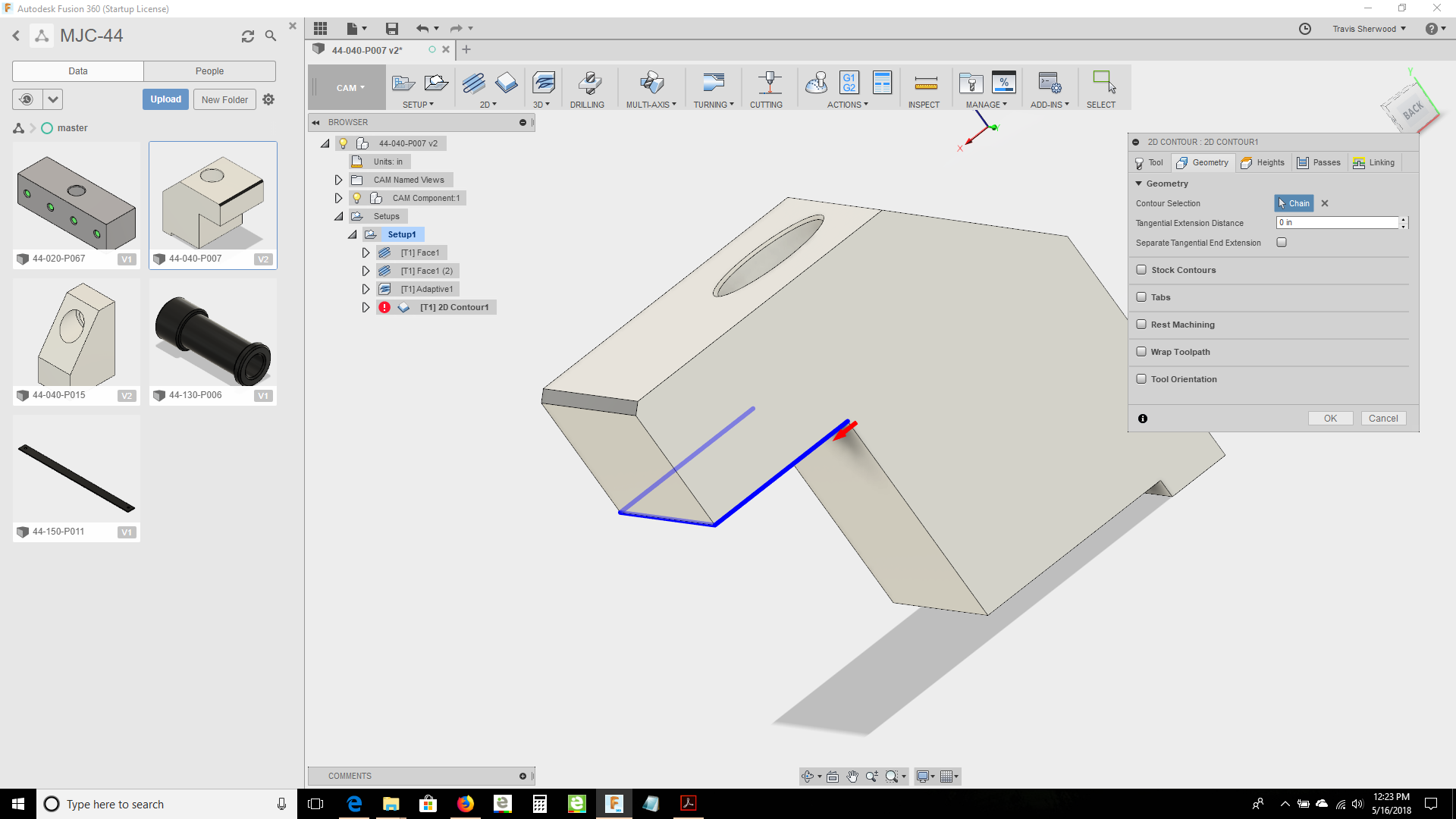
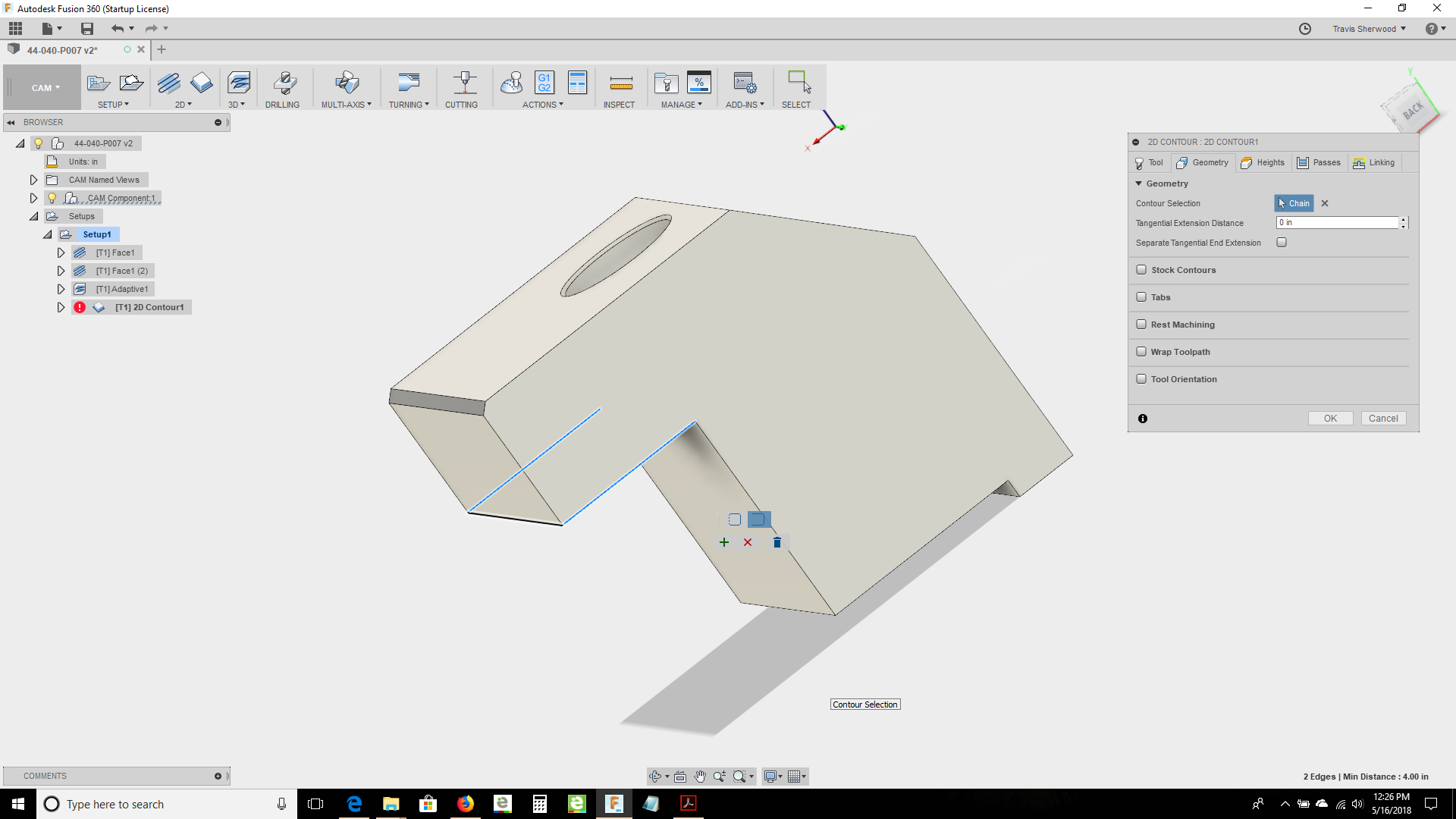
@Rumpelstiltskin Make the end line blue and unselect the other 2 blue lines. Set as open contour and click accept button
As much as I have tried I cannot get the part to do that.
Have you tried to do that with my model.
You don’t have to save it or anything I just cannot get it to do that.
Thank you for your assistance.
Travis Sherwood
1 Like
2 Likes
Press alt when selecting and should be able to select a single line. Alternatively click the contour then click the blue line again. A new menu pops up. Select open contour and select the lines you need then click the plus sign to add. Hope this helps.
4 Likes
Very late reply, but hold the alt key or the apple version down when selecting the toolpath, this forces it to only pick one segment.
2 Likes
@MattHall @DanielLyall thank you this adds to the forum content great answers thank you.
1 Like
Yep this goes with that as well https://www.youtube.com/watch?v=ATs4rsI_TPc
1 Like
Thank you for that video The Selection manager seems to be a great option for selecting lines. Using the ALT key and then deselecting using the control key.
There are quite a few functions that use the Alt, ctrl and shift key.
@DanielLyall you’ve been so helpful I wish you would start a new thread possibly share some of the functions of the control and Alt key. If you do it here in the Forum it will be a searchable resource or as Facebook can be extremely difficult to find anything.
I will see I have to other papers to finish.
I have been meaning to share this but gives you a nice layout of shortcut keys an explanation, too, I have it in Saved in my Programming Folder.
1 Like
Thank You @MikeJones86 that is GREAT. Will you make a thread and share this info so it’s easier to see And find?